
3.5 基于 Apple M1 和 UTM 安装 FreeBSD
3.5.1 概述
UTM 是基于 QEMU 的开源虚拟机软件,面向 Apple 设备,支持 ARM 与 x86 架构。在 M1(aarch64)设备上建议使用 aarch64 版 UTM 以获得最佳性能,本节给出安装 FreeBSD 的完整步骤。
UTM 官方网站为 https://getutm.app。
UTM(逆构词为 Universal Turing Machine)是开源、基于 QEMU、面向 Apple 设备的虚拟机软件,支持 ARM 和 x86 架构虚拟机。建议下载 aarch64(arm64)架构版本。除非有特殊需求,不建议使用 amd64(x86-64)版本。运行相同架构的虚拟机可获得更高性能和更流畅的系统体验(M1 为 aarch64 架构)。
因需向 Apple 缴纳年费以获取开发者资格,开发成本较高,故 UTM 在 App Store 中为收费软件。可在 GitHub 项目,utmapp/UTM 中免费获取 UTM。
3.5.2 安装说明
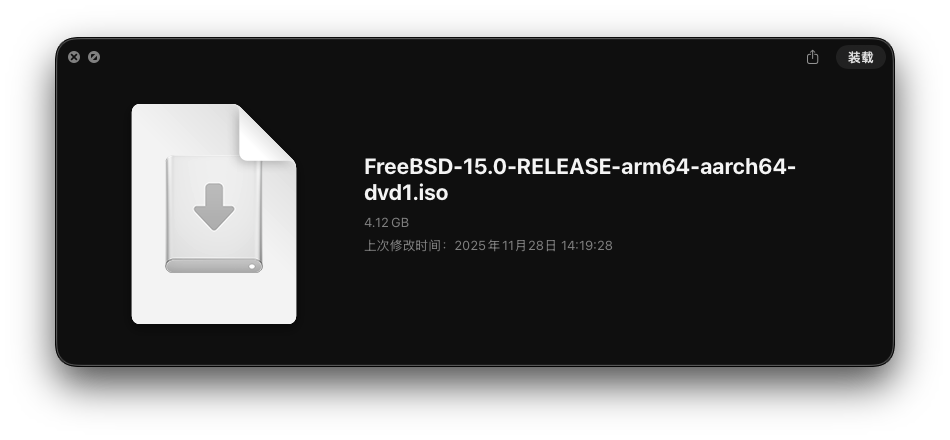
首先下载 FreeBSD 的安装镜像。
出于性能考虑,此处以 aarch64 镜像为例。
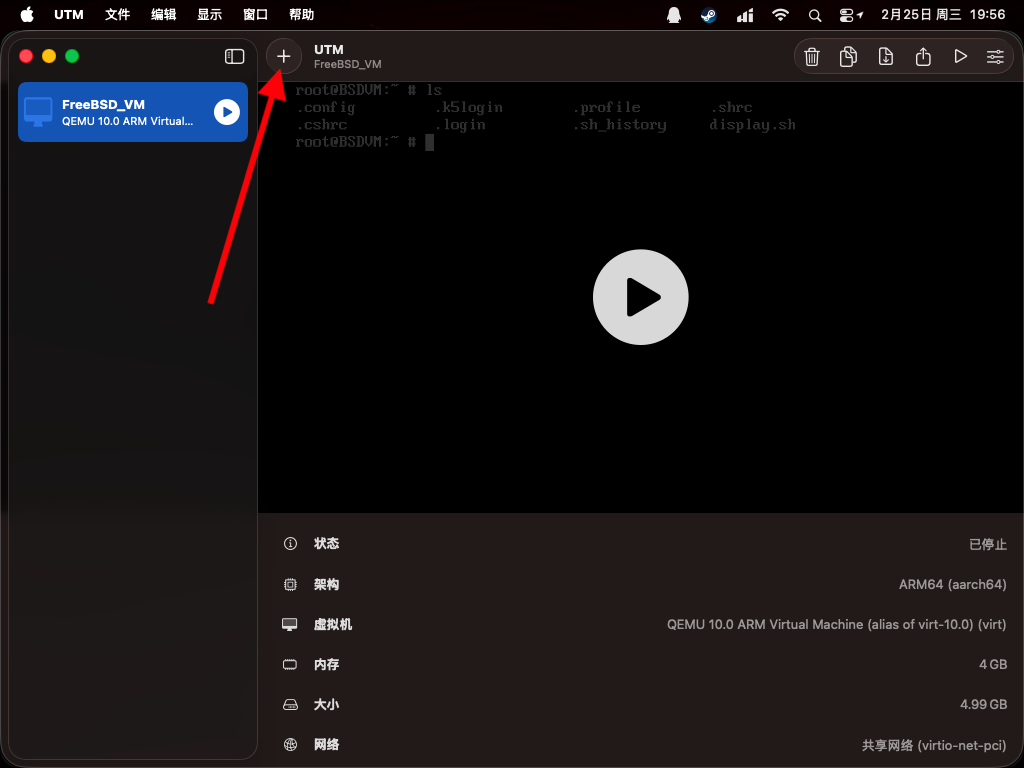
接下来新建一个虚拟机,点击窗口上的加号 +。
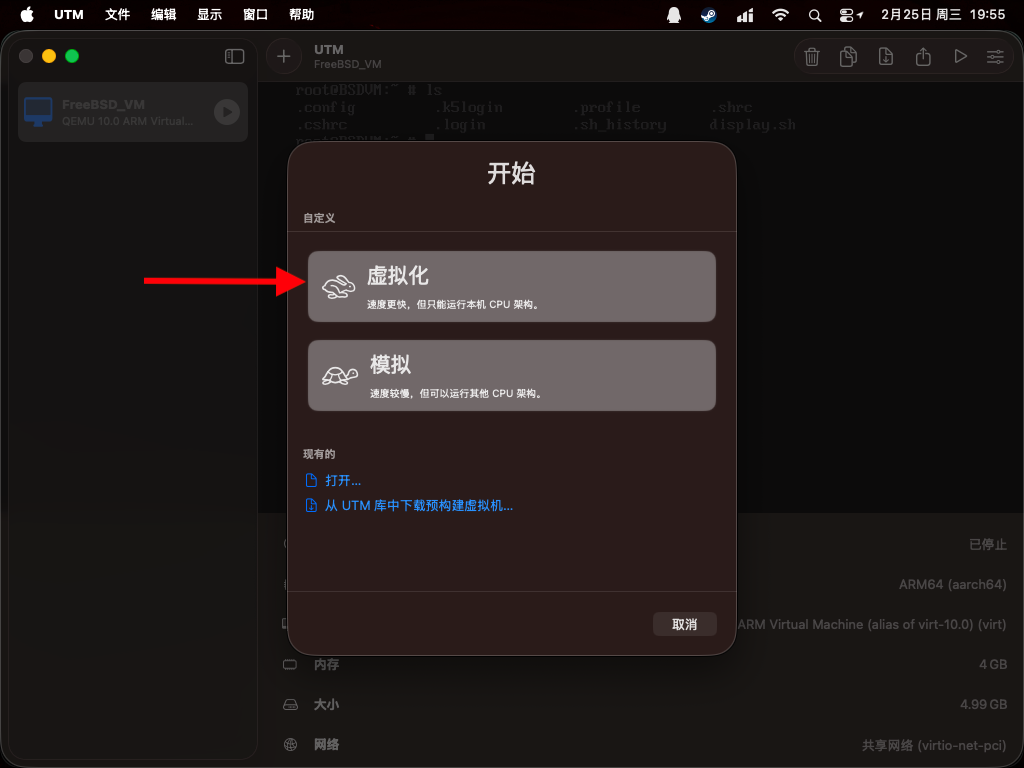
如果下载的是 aarch64 的镜像,选择“虚拟化”;如果是 amd64 的镜像,选择“模拟”。
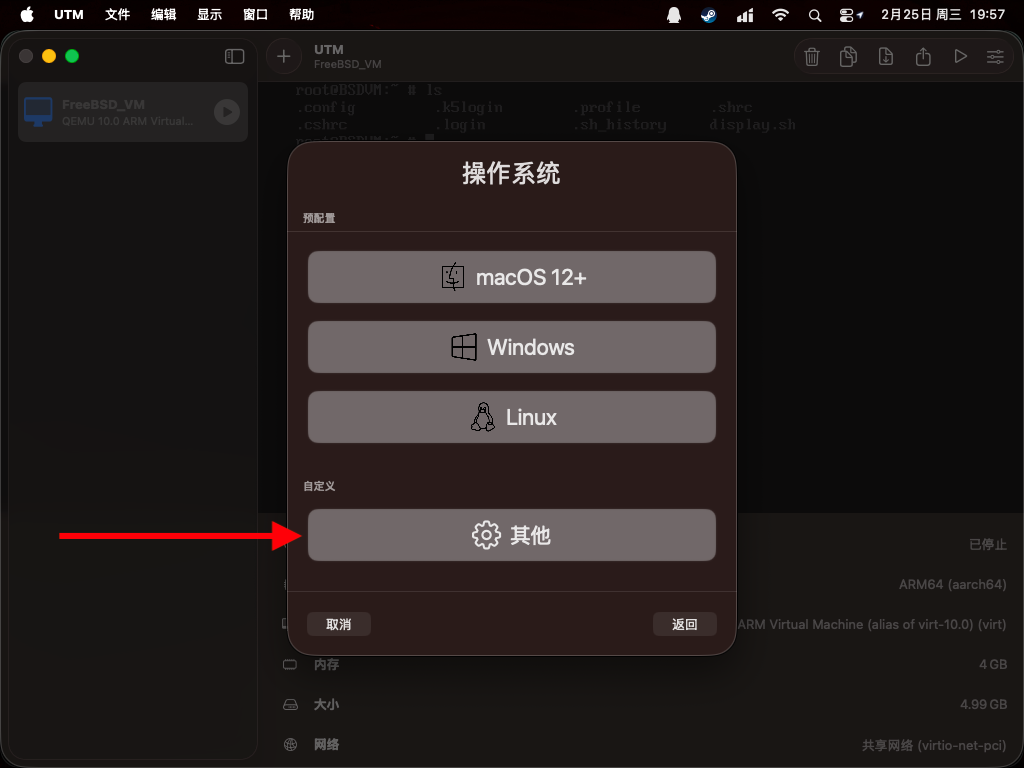
操作系统选择“其他”。
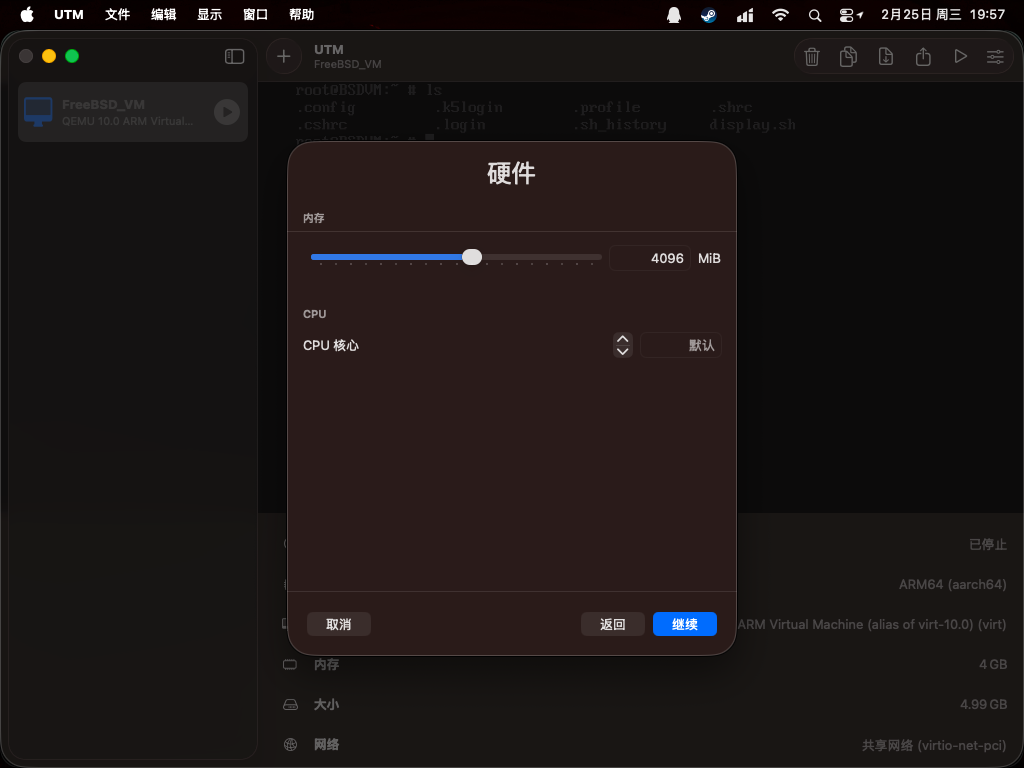
默认 4 GB 内存能适应大多数情况,初始状态 FreeBSD 15 约占用 500 MB 内存,可根据实际需求调整内存大小。CPU 核心按需设置,M1 芯片可以设置为 4。
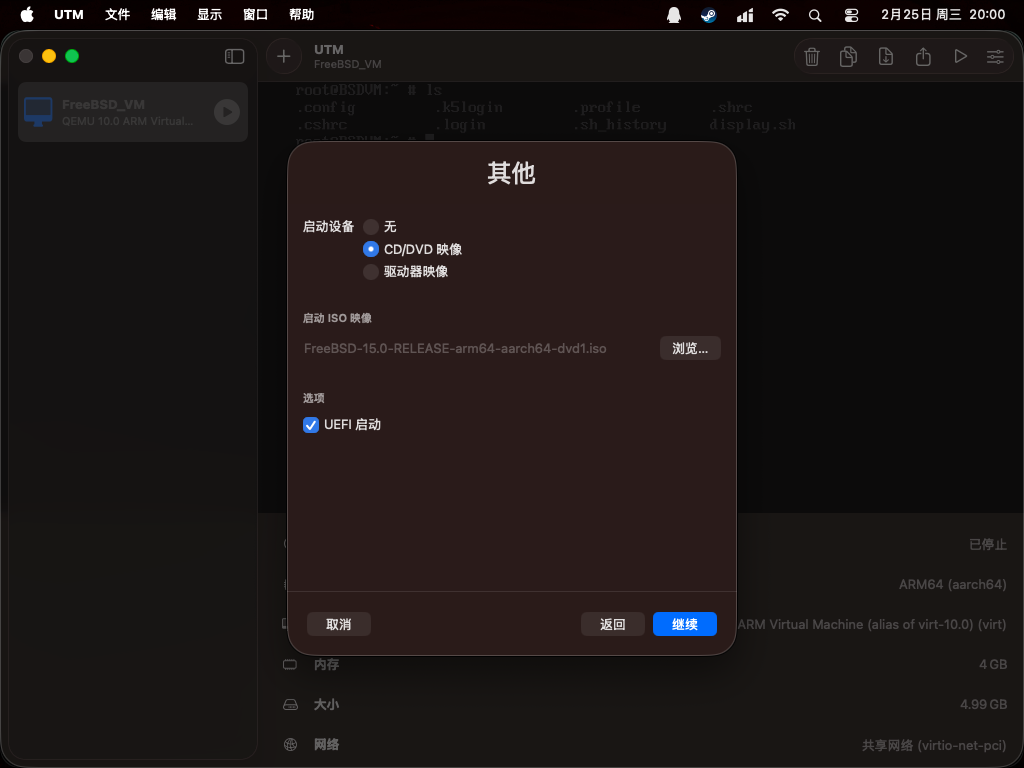
启动设备选择 CD/DVD 映像,选择“浏览”按钮以选定已下载的安装镜像。
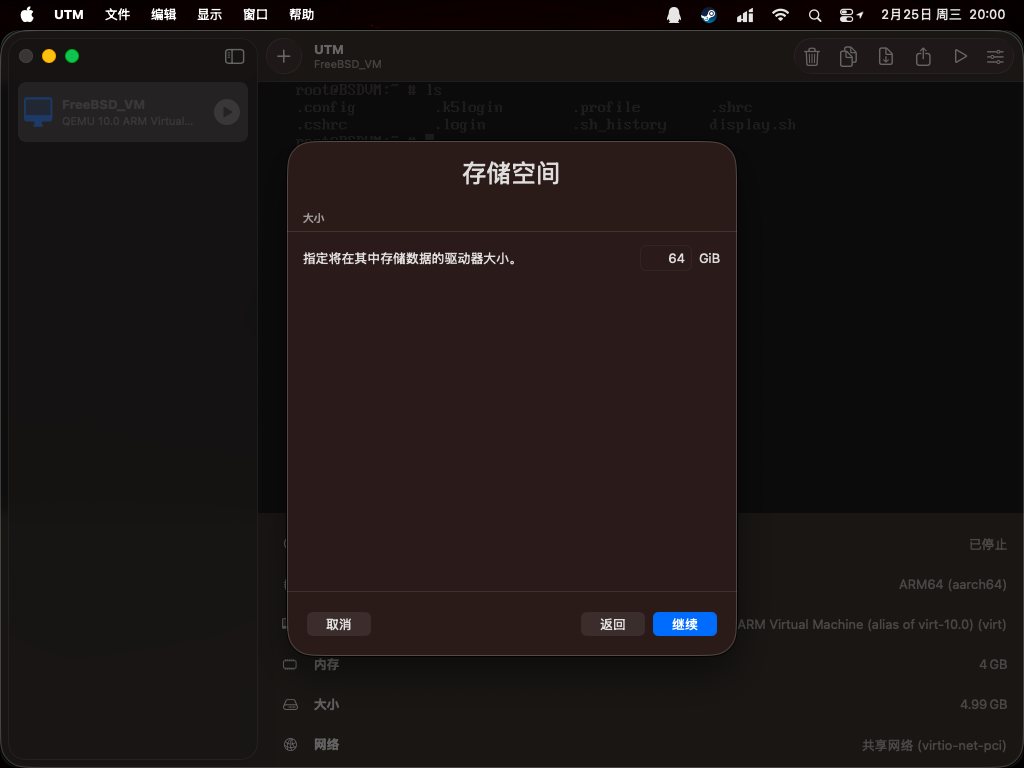
存储空间默认 64 GB,初始状态的 FreeBSD 会占用约 5 GB 空间,可根据需求调整。
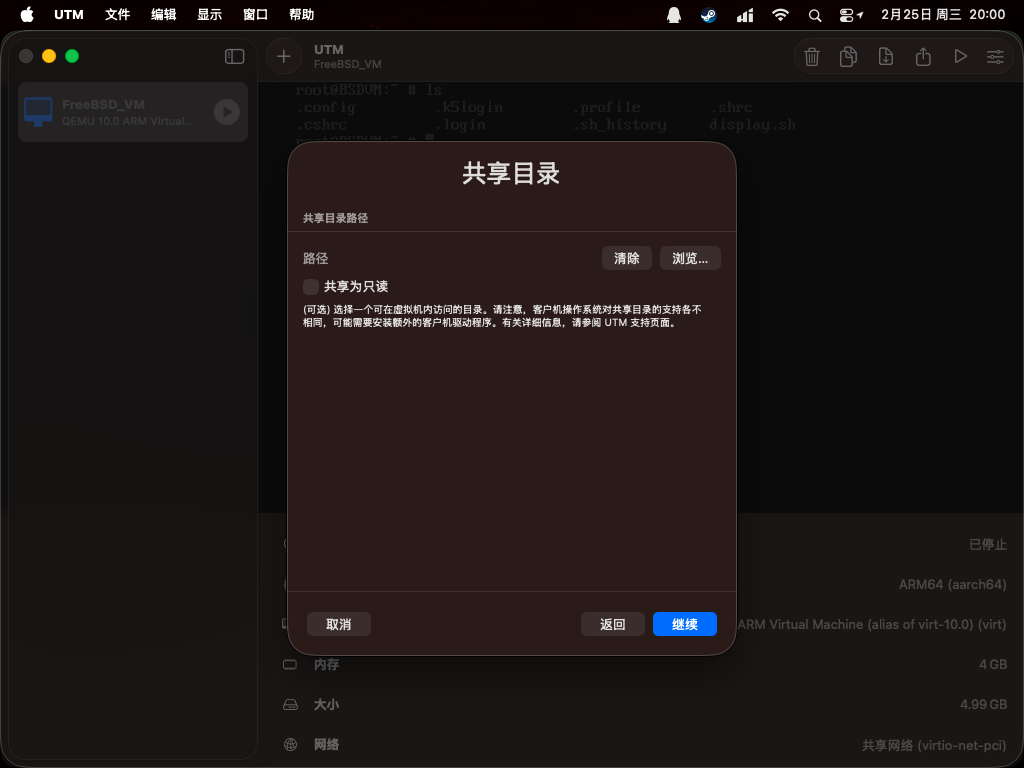
共享目录可以暂时跳过。
以上步骤设置完成后,点击“存储”。如需进一步设置,可以勾选“打开虚拟机设置”,或者在保存后点击右上角的设置按钮打开配置界面。
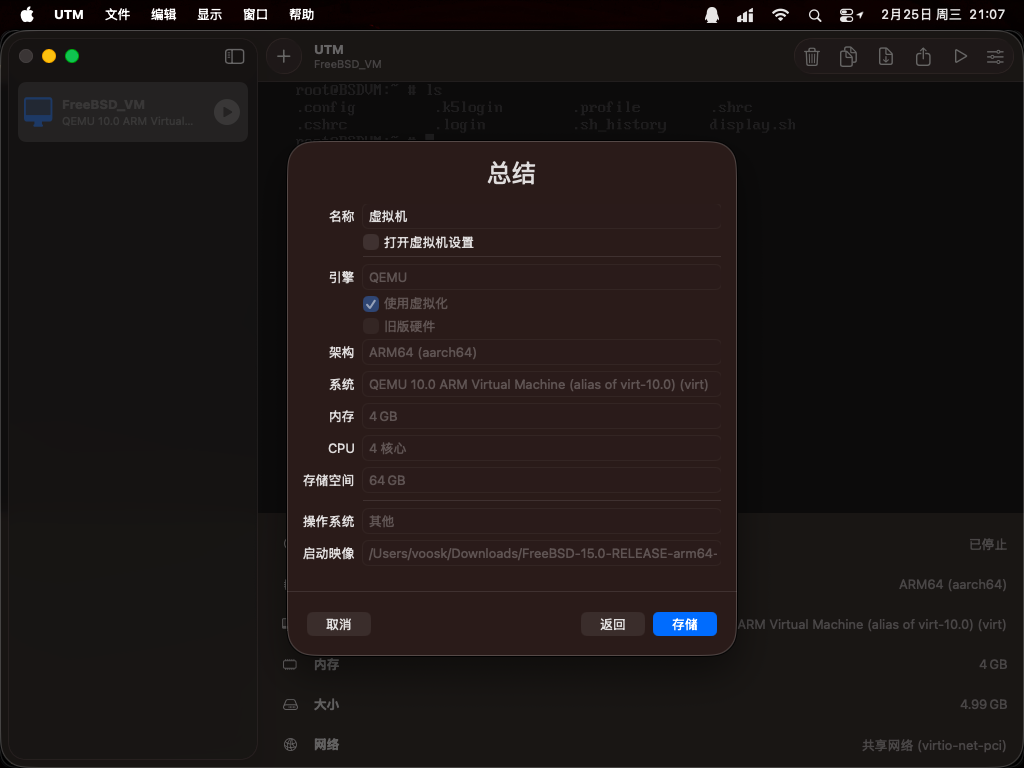
点击播放按钮启动虚拟机。
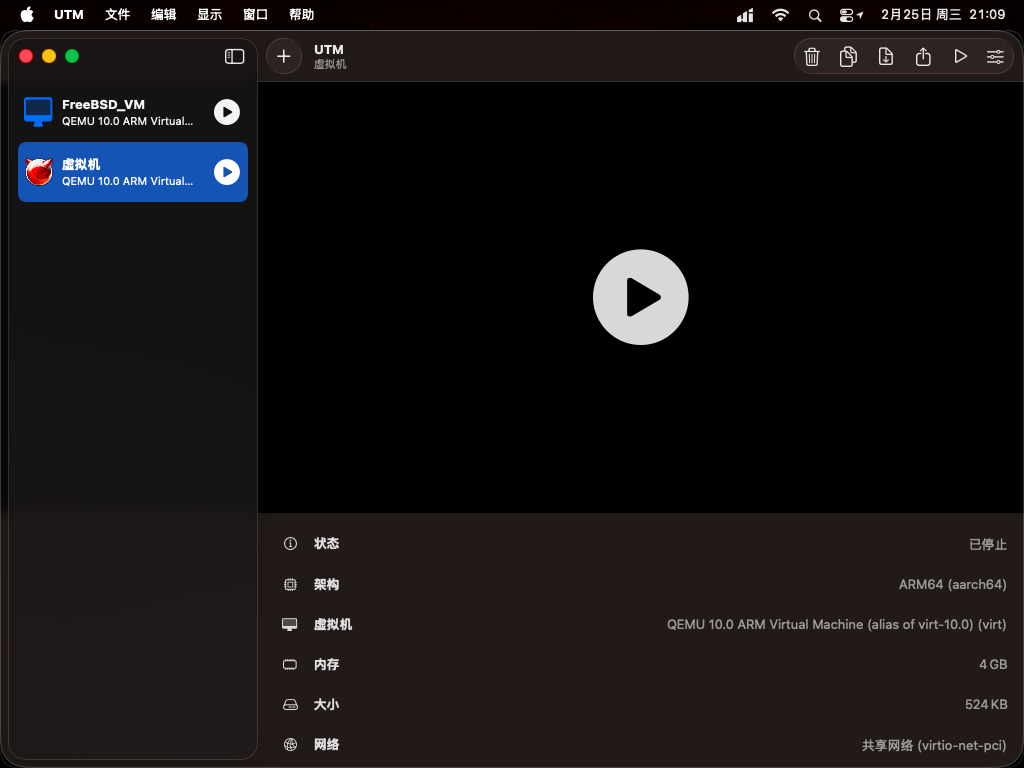
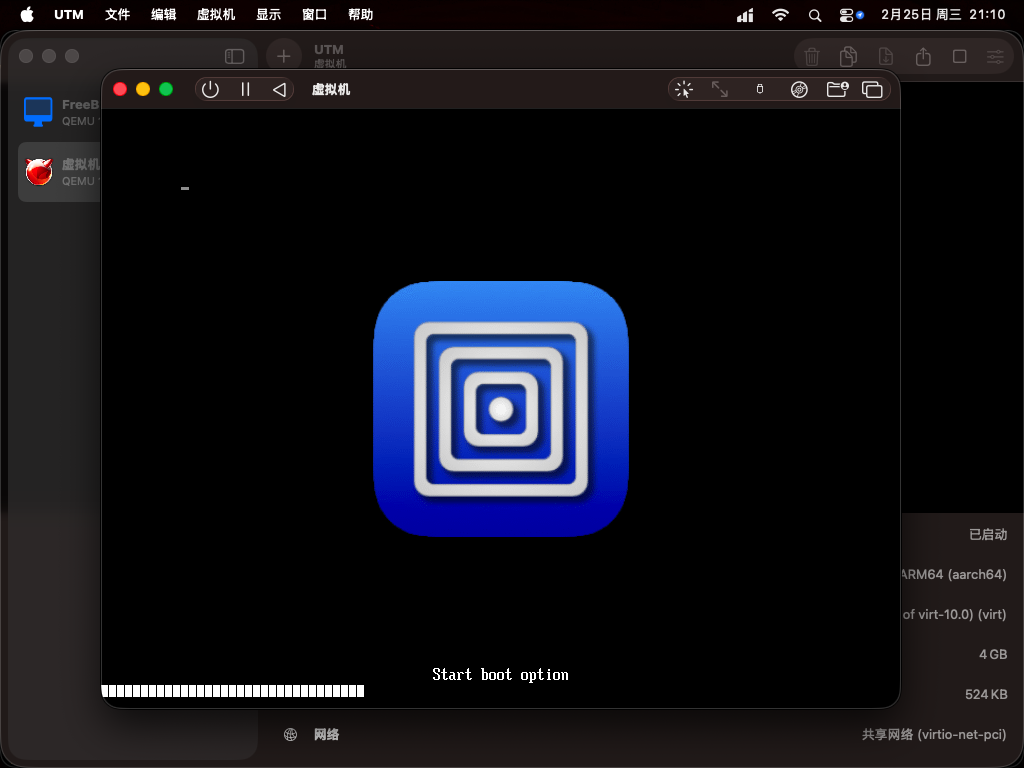
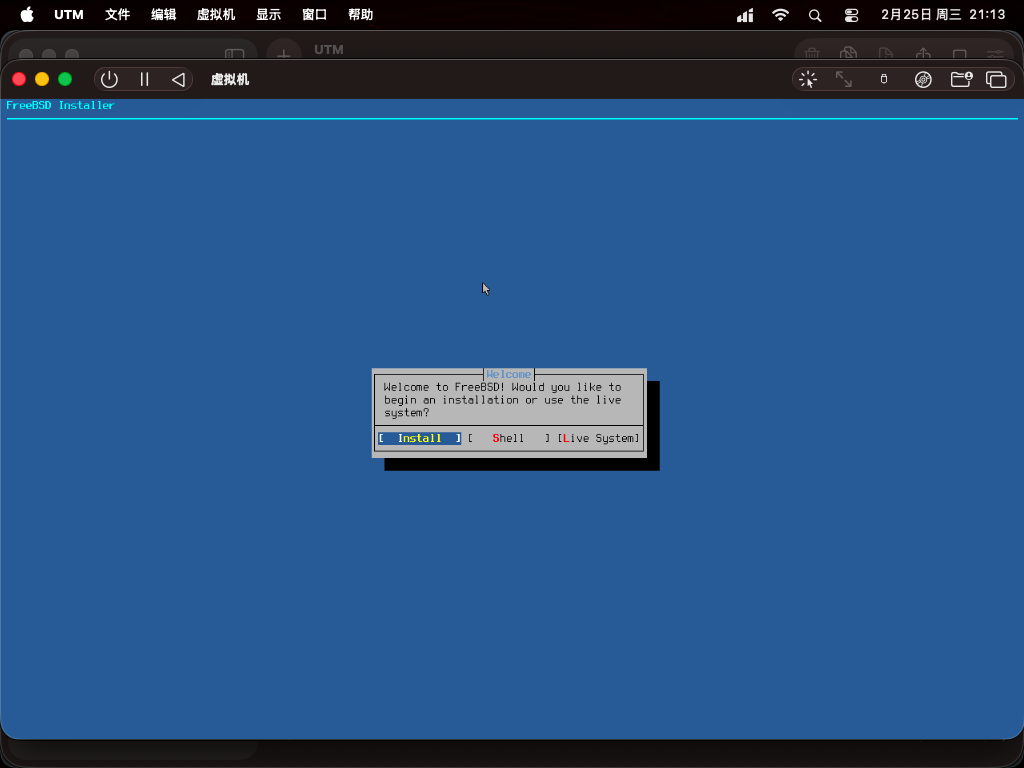
启动 FreeBSD 安装镜像,按回车键可以跳过启动菜单等待时间。
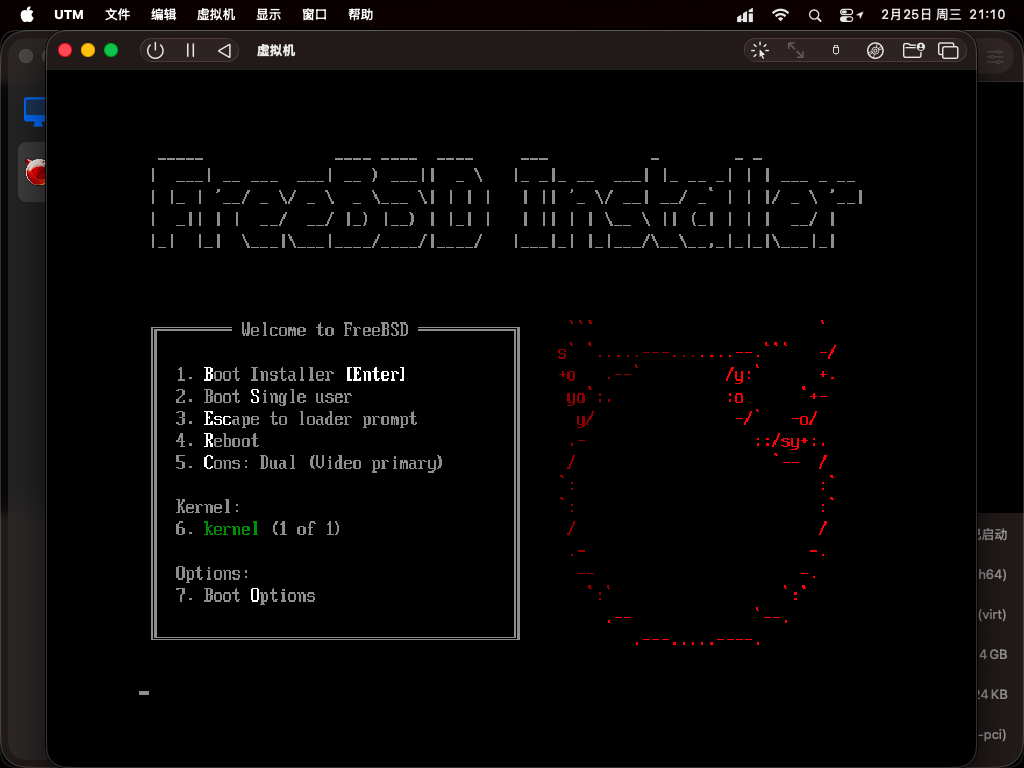
进入安装程序,鼠标默认可用。按下 Control + Option 快捷键可捕获鼠标光标,再次按下此快捷键可释放鼠标。
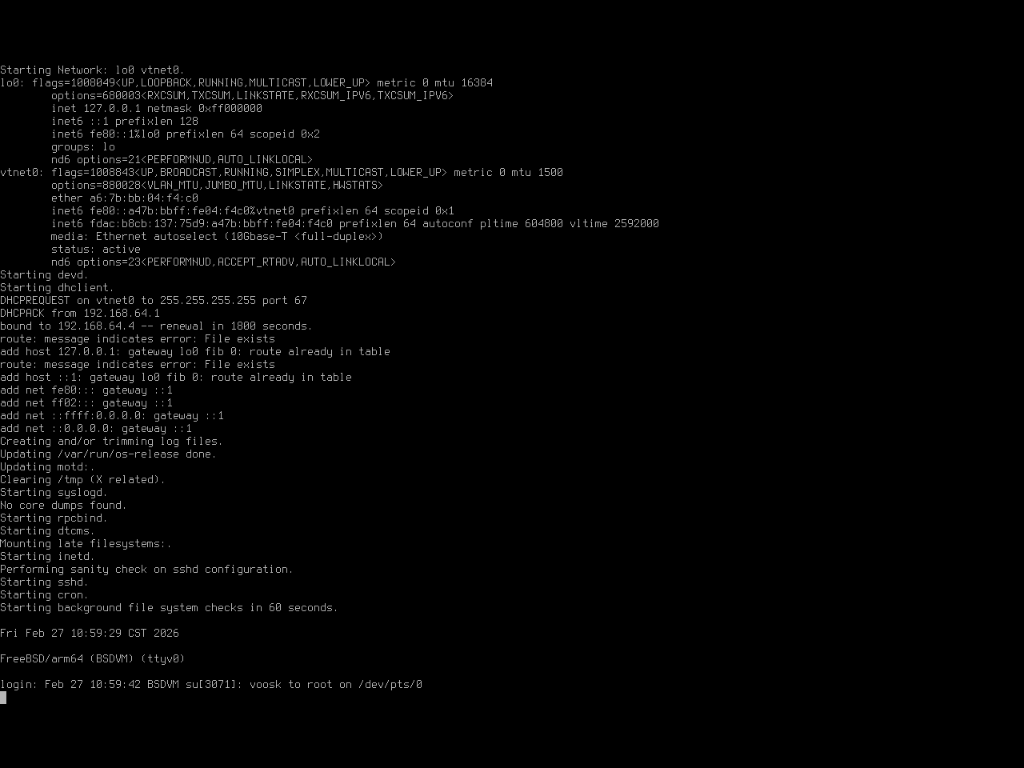
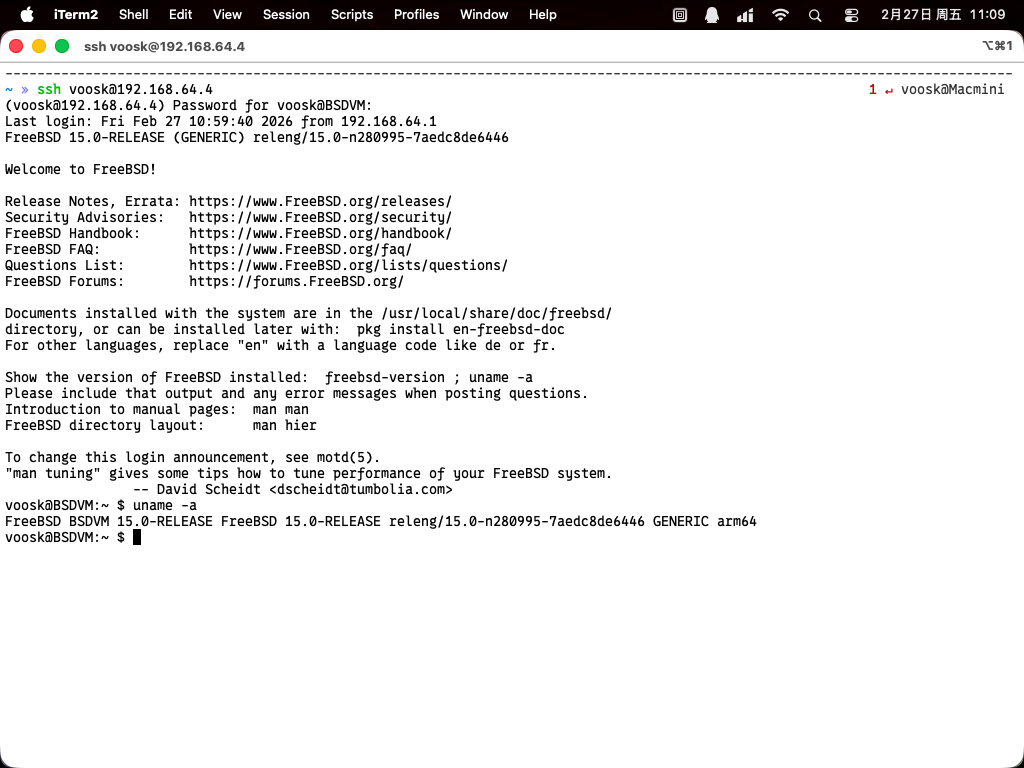
基本系统安装完成,终端能正常运行。在虚拟机内执行 ifconfig 命令查看 IP 地址后,便可在宿主机的终端仿真器中发起 SSH 连接。
3.5.3 故障排除与未竟事宜
3.5.3.1 Xorg 不可用
直接启动 Xorg 默认的窗口管理器 TWM 会报错,输出内容如下:
voosk@BSDVM:~ $ startx
xauth:  file /home/voosk/.serverauth.3074 does not exist


X.Org X Server 1.21.1.20
X Protocol Version 11, Revision 0
Current Operating System: FreeBSD BSDVM 15.0-RELEASE FreeBSD 15.0-RELEASE releng/15.0-n280995-7aedc8de6446 GENERIC arm64

Current version of pixman: 0.46.2
	Before reporting problems, check http://wiki.x.org
	to make sure that you have the latest version.
Markers: (--) probed, (**) from config file, (==) default setting,
	(++) from command line, (!!) notice, (II) informational,
	(WW) warning, (EE) error, (NI) not implemented, (??) unknown.
(==) Log file: "/var/log/Xorg.0.log", Time: Fri Feb 27 10:59:53 2026
(==) Using system config directory "/usr/local/share/X11/xorg.conf.d"
scfb trace: probe start
scfb trace: probe done
scfb: PreInit 0
scfb: PreInit done
scfb: ScfbScreenInit 0
	bitsPerPixel=32, depth=24, defaultVisual=TrueColor
	mask: ff0000,ff00,ff, offset: 16,8,0
mmap returns: addr 0x0 len 0x3e8000, fd 12, off 0
(EE)
Fatal server error:
(EE) AddScreen/ScreenInit failed for driver 0
(EE)
(EE)
Please consult the The X.Org Foundation support
	 at http://wiki.x.org
 for help.
(EE) Please also check the log file at "/var/log/Xorg.0.log" for additional information.
(EE)
(EE) Server terminated with error (1). Closing log file.
xinit: giving up
xinit: unable to connect to X server: Connection refused
xinit: server error
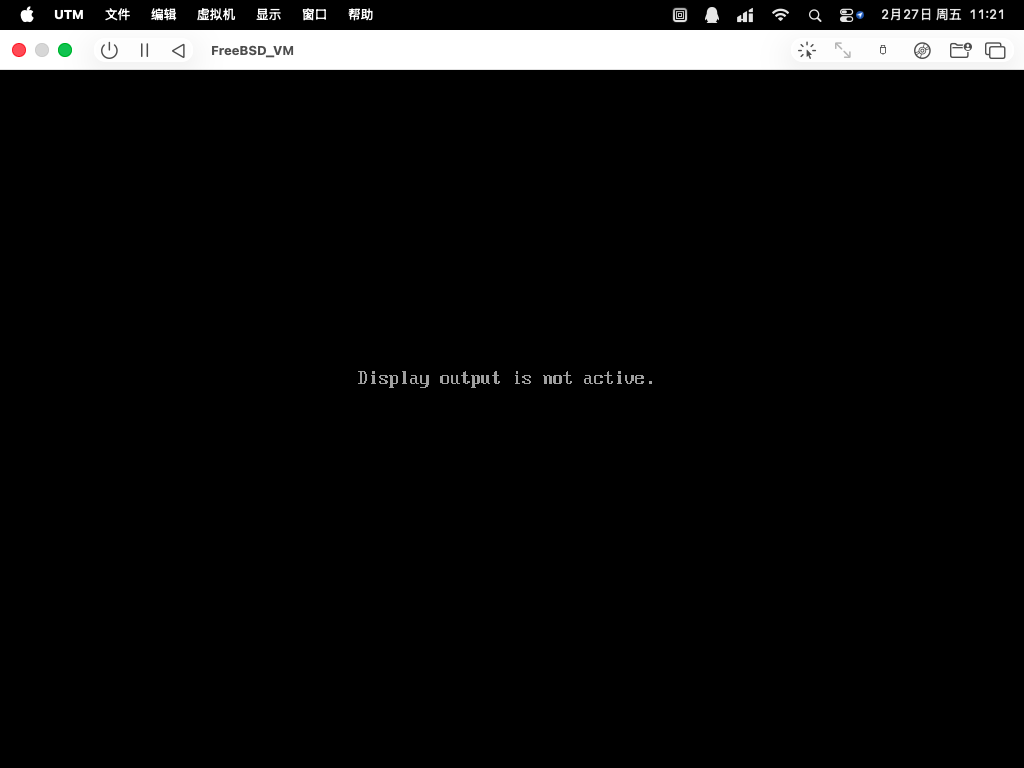
voosk@BSDVM:~ $在 /boot/loader.conf 文件中加入下面两行可启动 TWM,但虚拟机将失去画面输出(SSH 仍可连接,说明这仅为显示问题)。
hint.virtio_gpu.0.disabled="1"
hint.vtgpu.0.disabled="1"重启后 startx 能够正常启动 TWM,输出如下:
voosk@BSDVM:~ $ startx
xauth:  file /home/voosk/.serverauth.3072 does not exist


X.Org X Server 1.21.1.20
X Protocol Version 11, Revision 0
Current Operating System: FreeBSD BSDVM 15.0-RELEASE FreeBSD 15.0-RELEASE releng/15.0-n280995-7aedc8de6446 GENERIC arm64

Current version of pixman: 0.46.2
	Before reporting problems, check http://wiki.x.org
	to make sure that you have the latest version.
Markers: (--) probed, (**) from config file, (==) default setting,
	(++) from command line, (!!) notice, (II) informational,
	(WW) warning, (EE) error, (NI) not implemented, (??) unknown.
(==) Log file: "/var/log/Xorg.0.log", Time: Fri Feb 27 11:16:38 2026
(==) Using system config directory "/usr/local/share/X11/xorg.conf.d"
scfb trace: probe start
scfb trace: probe done
scfb: PreInit 0
scfb: PreInit done
scfb: ScfbScreenInit 0
	bitsPerPixel=32, depth=24, defaultVisual=TrueColor
	mask: ff0000,ff00,ff, offset: 16,8,0
mmap returns: addr 0xe4d20000 len 0x1d5000, fd 12, off 0
scfb: ScfbSave 0
scfb: ScfbSave done
scfb: ScfbScreenInit done
scfb: SaveScreen 0
scfb: SaveScreen done
twm: created fontset with 10 fonts (7 missing) for "-adobe-helvetica-bold-r-normal--*-120-*-*-*-*-*-*"
twm: created fontset with 10 fonts (7 missing) for "-adobe-helvetica-bold-r-normal--*-120-*-*-*-*-*-*"
twm: created fontset with 10 fonts (7 missing) for "-adobe-helvetica-bold-r-normal--*-100-*-*-*-*-*-*"
twm: created fontset with 10 fonts (7 missing) for "-adobe-helvetica-bold-r-normal--*-120-*-*-*-*-*-*"
twm: created fontset with 10 fonts (7 missing) for "-adobe-helvetica-bold-r-normal--*-100-*-*-*"
twm: created fontset with 2 fonts (15 missing) for "fixed"虚拟机无画面输出,显示 Display output is not active.
3.5.4 参考文献
- utmapp. UTM — Virtual machines for macOS[EB/OL]. [2026-04-17]. https://github.com/utmapp/UTM. UTM 项目主页。