
24.6 WildFly 应用服务器
24.6.1 WildFly 概述
WildFly(原 JBoss Application Server)是由 Red Hat 公司开发的开源 Jakarta EE 应用服务器,为企业级 Java 应用提供运行时环境与服务。
WildFly 支持两种运行模式:standalone(独立模式)适用于单服务器部署,domain(域模式)适用于多服务器集中管理。
24.6.2 安装 WildFly 应用服务器
本节演示在 FreeBSD 上部署 WildFly 的实践方法。
技巧
可通过 Ports 获取 WildFly 历史版本,但存在 Bug java/wildfly: service start fail, illegal group name,该 Bug 报告了 WildFly 服务启动时出现非法组名的问题,历史版本需自行应用补丁。
安装 WildFly 有两种主要方式:
- 使用 pkg 安装:
sh
# pkg install wildfly- 使用 Ports 安装:
sh
# cd /usr/ports/java/wildfly/
# make install clean安装完成后,可查看安装包提供的信息,了解后续配置步骤。
sh
# pkg info -D wildfly24.6.3 文件结构
sh
/
├── usr
│   └── local
│       └── wildfly
│           ├── bin
│           │   └── add-user.sh                # WildFly 用户添加脚本
│           ├── standalone
│           │   └── configuration
│           │       ├── mgmt-users.properties # 独立模式管理用户配置
│           │       └── mgmt-groups.properties # 独立模式管理组配置
│           └── domain
│               └── configuration
│                   ├── mgmt-users.properties # 域模式管理用户配置
│                   └── mgmt-groups.properties # 域模式管理组配置
└── var
    └── log
        └── wildfly
            ├── error                             # WildFly 错误日志
└── log # WildFly 普通日志24.6.4 配置 WildFly 应用服务器
安装完成后,需完成基本配置才能正常使用。
24.6.4.1 服务启动配置
配置 WildFly 服务并设置绑定地址:
sh
# service wildfly enable   # 设置 WildFly 服务在系统启动时自动启动
# sysrc wildfly_args="-Djboss.bind.address=0.0.0.0 -Djboss.bind.address.management=0.0.0.0" # 配置 WildFly 绑定到所有网络接口24.6.4.2 服务启动与验证
启动 WildFly 服务:
sh
# service wildfly start- 打开
http://127.0.0.1:8080(局域网内其他设备也可访问)可检验服务状态。
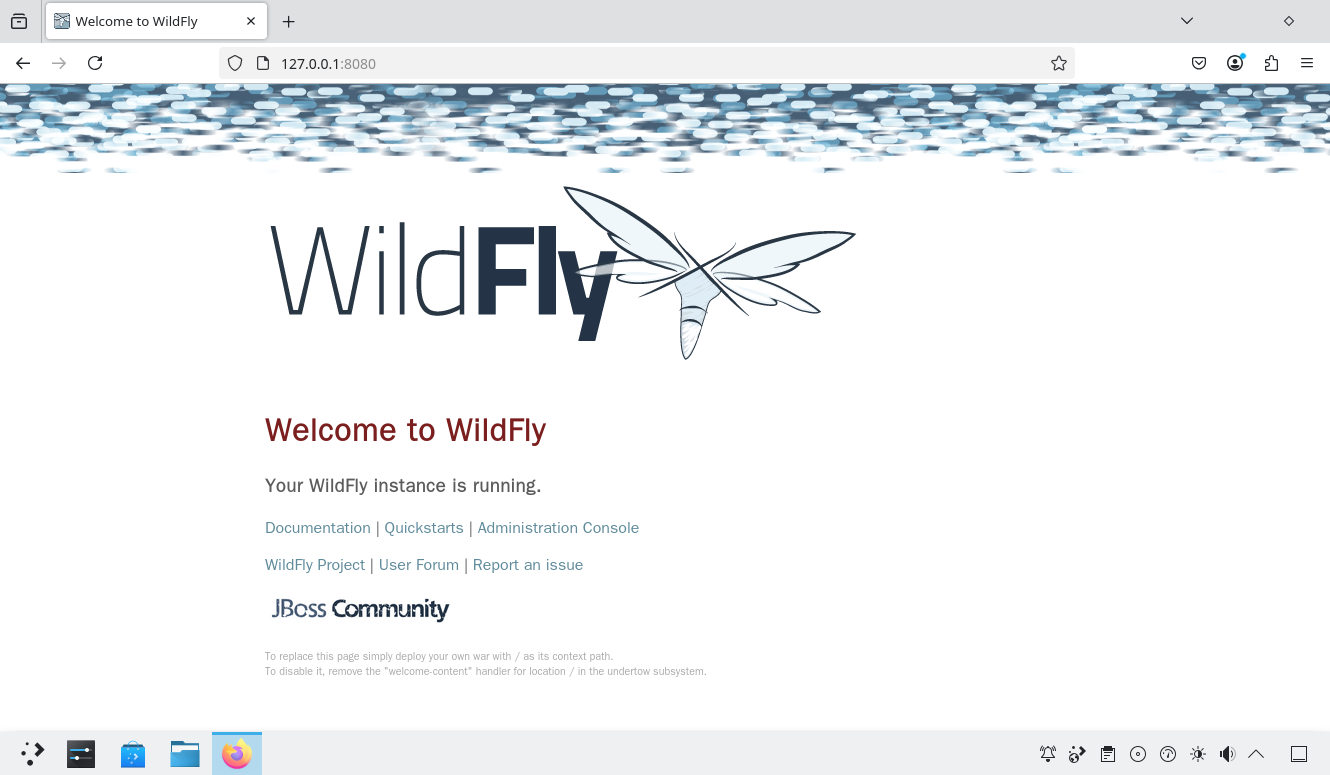
- 执行 WildFly 用户添加脚本 /usr/local/wildfly/bin/add-user.sh,以生成管理员账户。
sh
# /usr/local/wildfly/bin/add-user.sh

What type of user do you wish to add?
 a) Management User (mgmt-users.properties)
 b) Application User (application-users.properties)
(a): # 直接按回车键选择默认选项
# 选项 a 为管理员账户,选项 b 为应用用户

Enter the details of the new user to add.
Using realm 'ManagementRealm' as discovered from the existing property files.
Username : test # 输入要创建的用户名
Password recommendations are listed below. To modify these restrictions edit the add-user.properties configuration file.
 - The password should be different from the username
# 密码不能与用户名相同
 - The password should not be one of the following restricted values {root, admin, administrator}
# 密码不能是 root、admin 或 administrator
 - The password should contain at least 8 characters, 1 alphabetic character(s), 1 digit(s), 1 non-alphanumeric symbol(s)
# 密码应至少包含 8 个字符,并至少包含 1 个字母、1 个数字及 1 个非字母数字字符
Password : # 输入为新用户 test 设置的密码,要求见上文
Re-enter Password : # 重复输入密码
What groups do you want this user to belong to? (Please enter a comma separated list, or leave blank for none)[  ]: # 直接按回车键留空不加入任何用户组
# 你希望该用户属于哪些用户组?(请输入以逗号分隔的列表,或留空表示不加入任何用户组)[  ]:
About to add user 'test' for realm 'ManagementRealm'
# 即将为域 'ManagementRealm' 添加用户 'test'。
Is this correct yes/no? yes # 确认创建
Added user 'test' to file '/usr/local/wildfly/standalone/configuration/mgmt-users.properties'
Added user 'test' to file '/usr/local/wildfly/domain/configuration/mgmt-users.properties'
Added user 'test' with groups  to file '/usr/local/wildfly/standalone/configuration/mgmt-groups.properties'
Added user 'test' with groups to file '/usr/local/wildfly/domain/configuration/mgmt-groups.properties'- 打开
http://localhost:9990(局域网内其他设备也可访问)可登录管理界面。
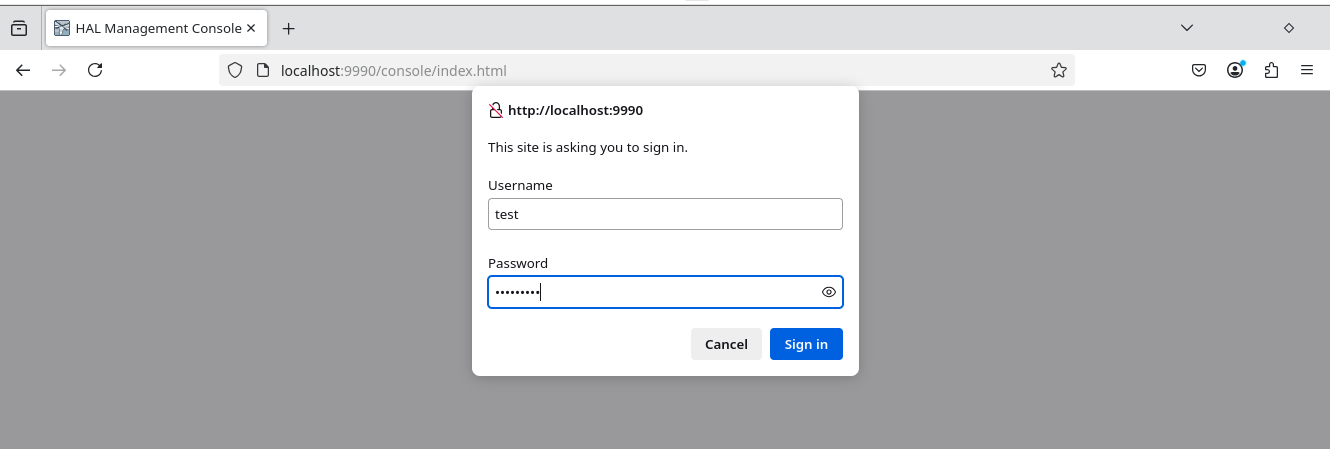
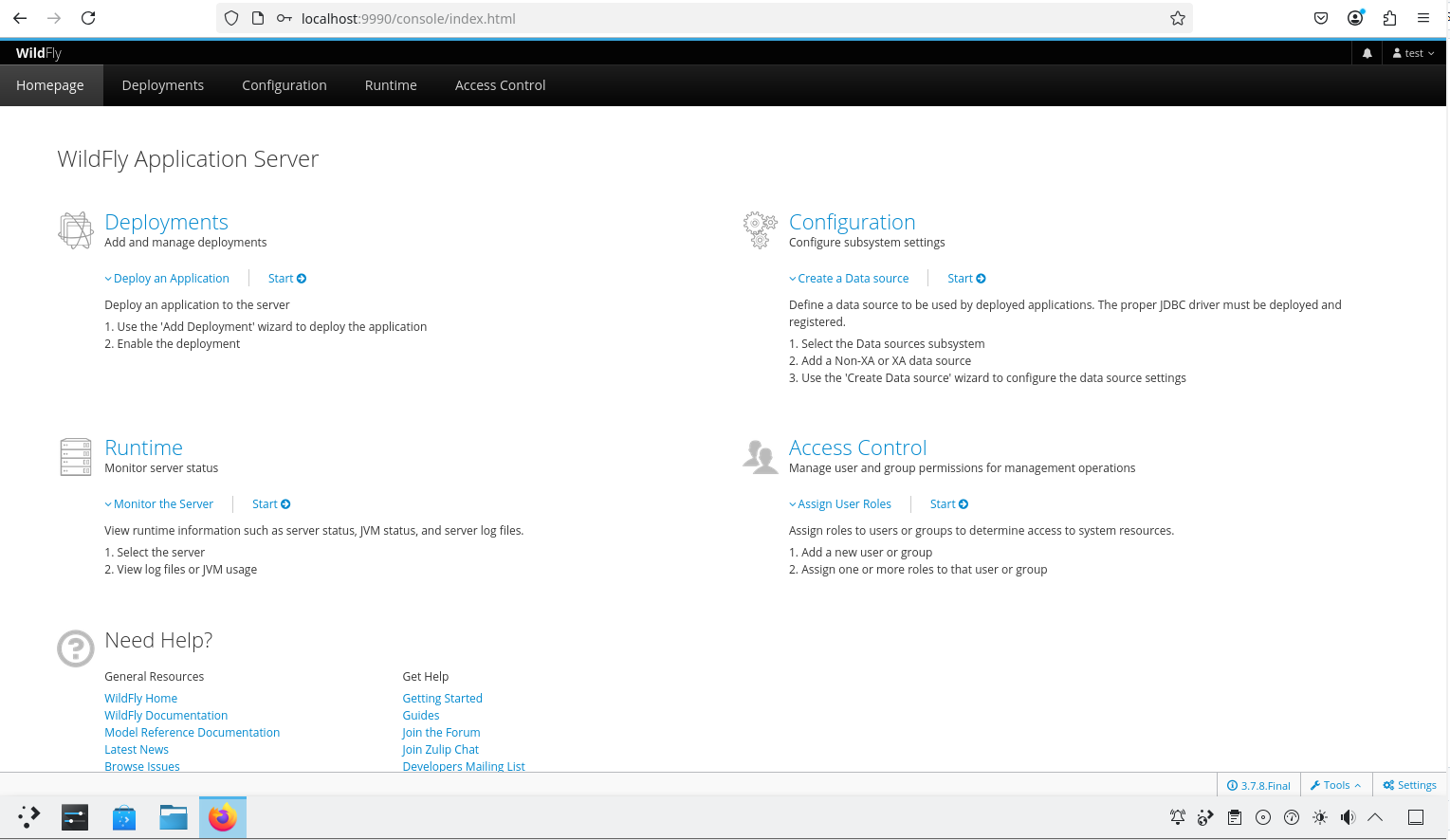
24.6.5 故障排除与未竟事宜
如果服务无法启动,可通过 /var/log/wildfly/error 文件和 /var/log/wildfly/log 文件查看错误日志。
24.6.6 参考文献
- WildFly Project. WildFly Documentation[EB/OL]. [2026-04-17]. https://docs.wildfly.org/. WildFly 官方文档,涵盖各版本 Jakarta EE 支持与配置指南。