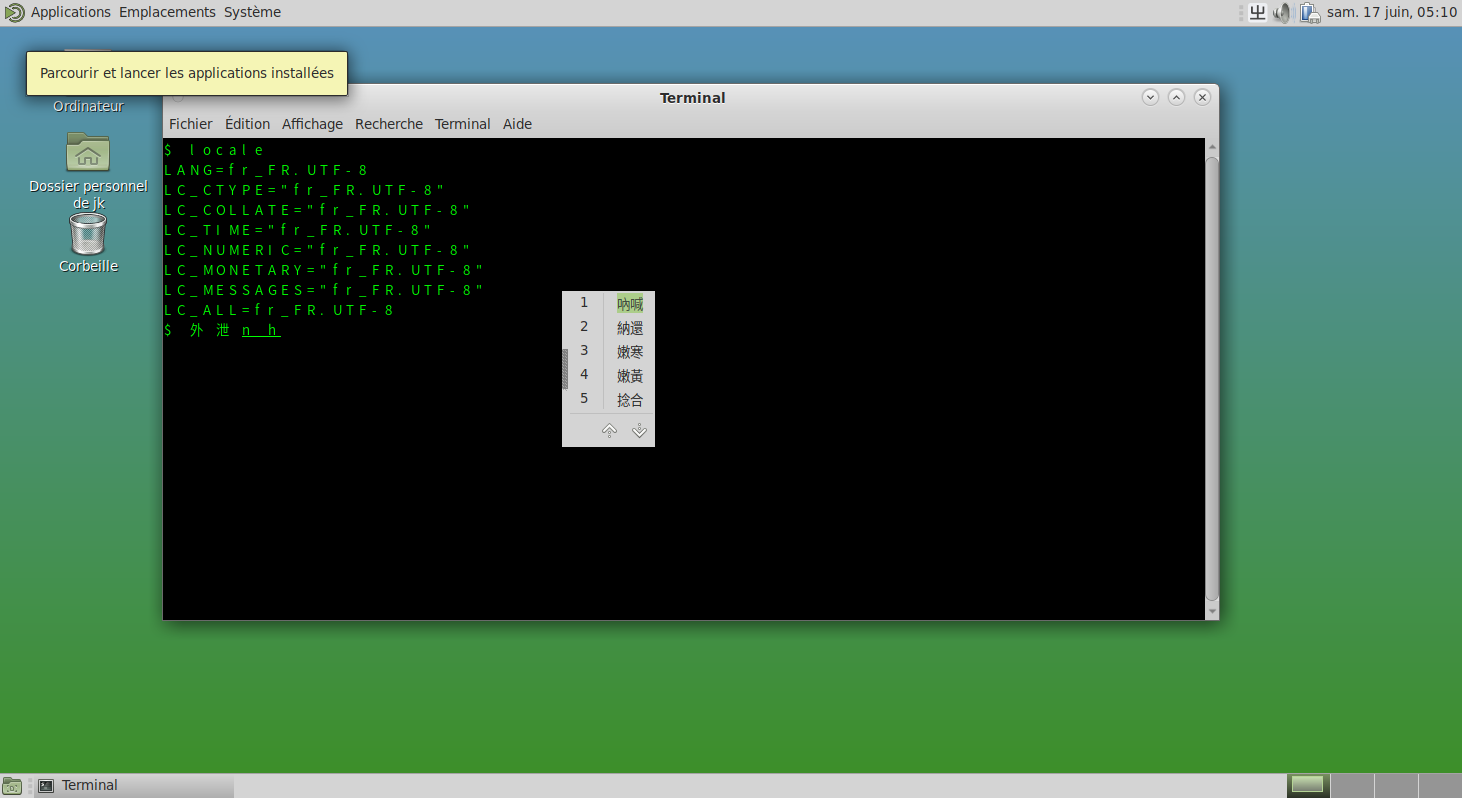
10.3 IBus 输入法框架
IBus 即“Intelligent Input Bus”(智能输入总线),是在 Linux 及类 UNIX 系统中广泛应用的输入法框架。
10.3.1 安装 IBus 输入法框架
- 使用 pkg 安装:
sh
# pkg install ibus zh-ibus-libpinyin其中 zh-ibus-libpinyin 是智能拼音输入法。
- 或者使用 Ports 安装:
sh
# cd /usr/ports/textproc/ibus/ && make install clean
# cd /usr/ports/chinese/ibus-libpinyin/ && make install clean可选的输入法包括:
chinese/ibus-cangjie仓颉输入法chinese/ibus-chewing新酷音输入法chinese/ibus-rimeRime 输入法引擎chinese/ibus-table-chinese包含五笔、仓颉等多种输入法
10.3.2 配置环境变量
安装完成后,需要配置相应的环境变量以确保 IBus 能够在各种应用程序中正常工作。
- 显示管理器配置路径
- SDDM、LightDM、GDM 都可在 ~/.xprofile 文件中写入 A 组配置
- LightDM、GDM 可在 ~/.profile 文件中写入 A 组配置
- SDDM 可在用户登录 Shell 的配置文件中写入配置
- Shell 配置路径
- sh: 在 ~/.profile 文件写入 A 组配置
- bash: 在 ~/.bash_profile 文件或 ~/.profile 文件写入 A 组配置
- zsh: 在 ~/.zprofile 文件写入 A 组配置
- csh: 在 ~/.cshrc 文件写入 B 组配置
注销后重新登录,点击 IBus 图标添加所需输入法,即可正常使用,无需额外配置中文环境。建议在相应 Shell 配置文件中加入以下内容,保证 IBus 正常运行:
- A 组(在 sh、bash、zsh 中)
sh
export XIM=ibus                     # 设置 X 输入法为 IBus
export GTK_IM_MODULE=ibus           # 设置 GTK 应用使用 IBus 输入法
export QT_IM_MODULE=ibus            # 设置 Qt 应用使用 IBus 输入法
export XMODIFIERS=@im=ibus          # 设置 X 输入法修饰符为 IBus
export XIM_PROGRAM="ibus-daemon"    # 指定 XIM 程序为 ibus-daemon
export XIM_ARGS="--daemonize --xim" # 设置 XIM 启动参数为守护进程模式并启用 XIM- B 组(在 csh 中)
ini
setenv XIM ibus
setenv GTK_IM_MODULE ibus
setenv QT_IM_MODULE ibus
setenv XMODIFIERS @im=ibus
setenv XIM_PROGRAM ibus-daemon
setenv XIM_ARGS "--daemonize --xim"10.3.3 配置 IBus
完成环境变量配置后,通过以下方式设置 IBus。
IBus 设置工具:
sh
$ ibus-setup10.3.4 编码
IBus 要求使用 UTF-8 编码,但对区域设置(如 C.UTF-8 或 zh_CN.UTF-8)没有限制。